A simple password manager
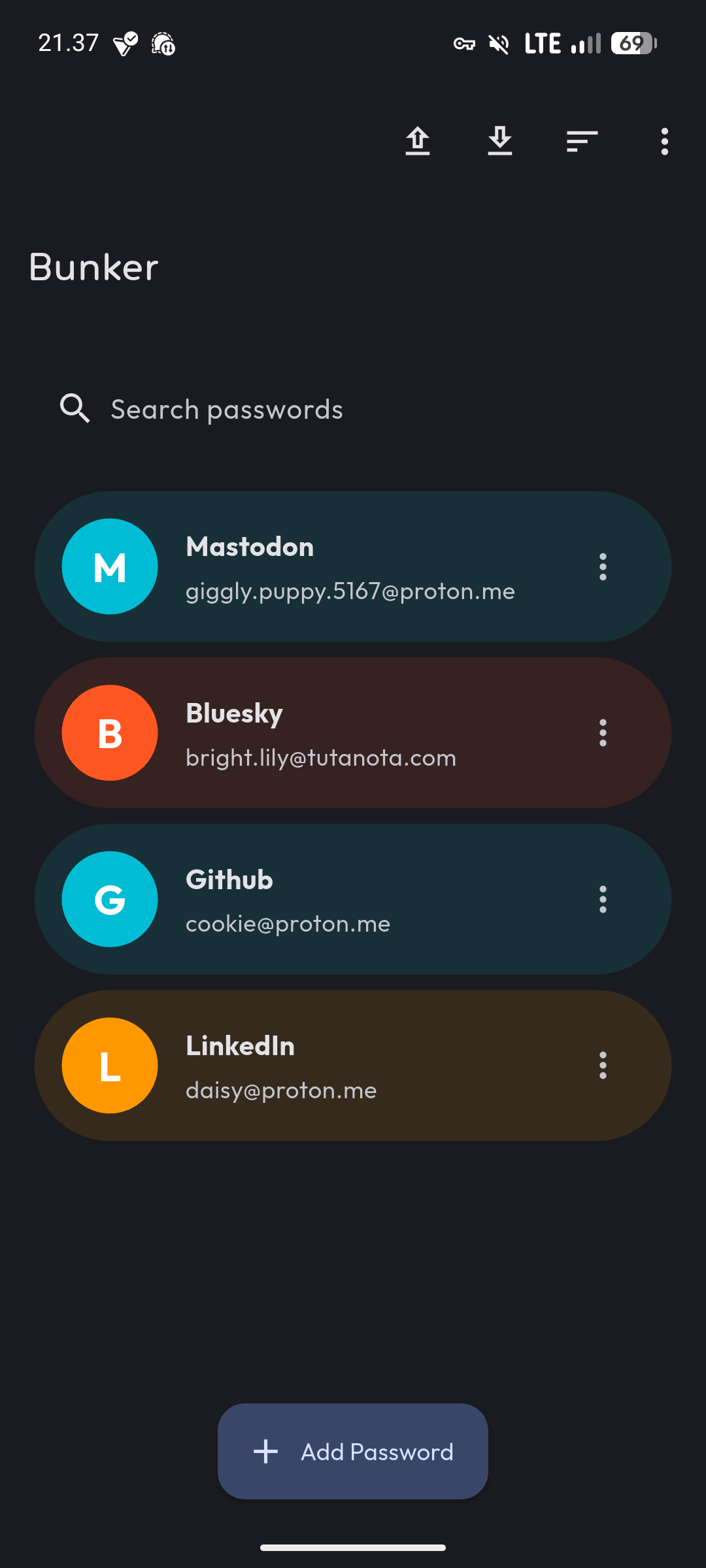
I built Bunker as a straightforward password manager. Create, edit, and delete passwords with a simple interface. Your data stays on your device.
What It Does
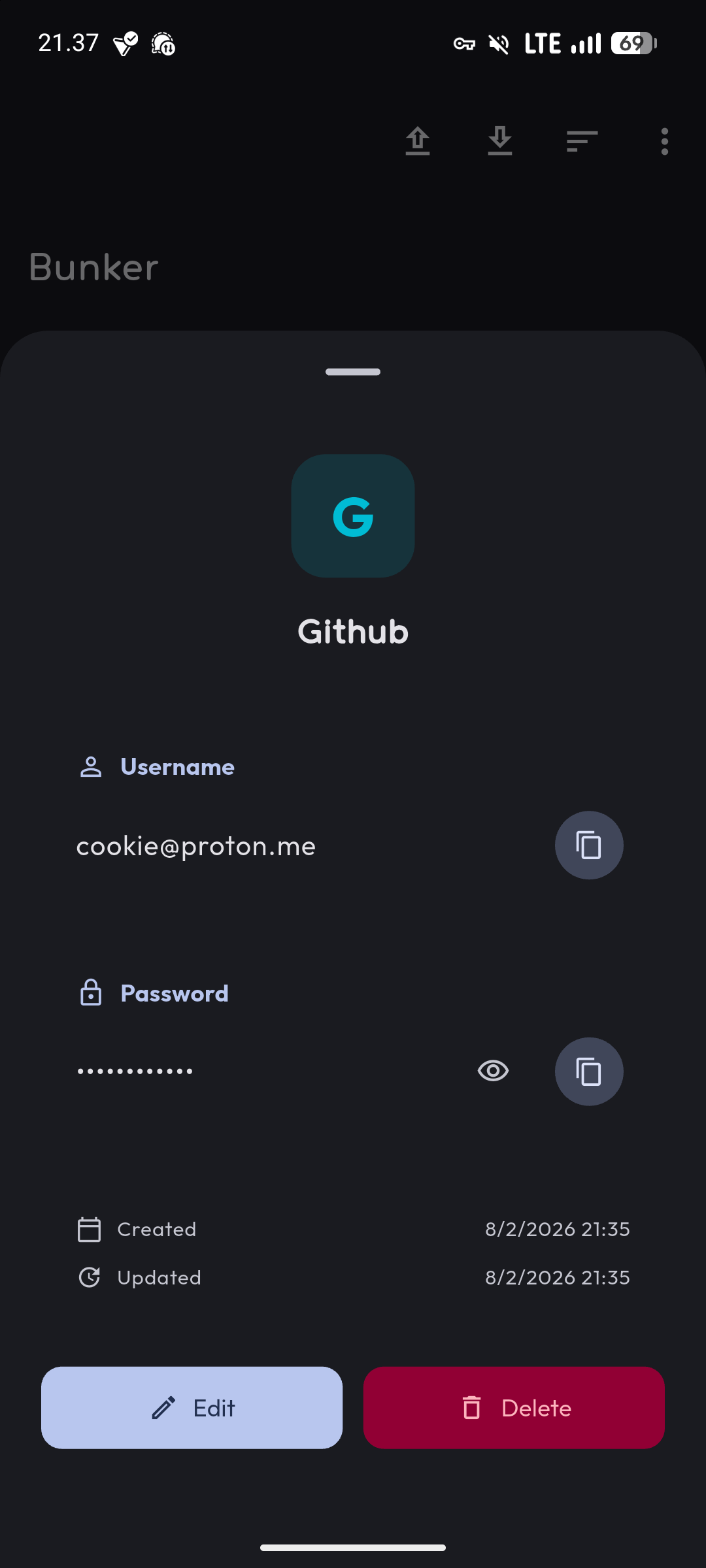
Bunker stores your passwords locally on your device. You can create new password entries, edit existing ones, and delete passwords you no longer need. The interface is straightforward with no extra features to navigate around.
All your password data stays on your device. Nothing syncs to the cloud unless you explicitly set that up yourself through device backups.
Why Another Password Manager
There are plenty of password managers available. Most offer cloud sync, browser extensions, autofill, password generation, security audits, and other advanced features. They’re good products, but they’re also complex and usually require subscriptions.
I built Bunker because I wanted something simpler. Just local storage with basic CRUD operations. No account registration, no monthly fees, no feature bloat. If you need cloud sync and autofill, use a full-featured password manager. If you want something minimal that just stores passwords locally, Bunker does that.
How It Works
Bunker uses Flutter with Material Design 3 for the interface. It stores password data locally on your device using Flutter’s local storage mechanisms. The app doesn’t connect to any external services or servers.
When you create a password entry, you provide a title, username, password, and optional notes. The data gets stored locally. When you need a password, you open Bunker, find the entry, and copy what you need.
What About Security
Bunker stores passwords on your device. The security depends on your device’s security. If your device is encrypted and protected with a strong PIN or biometric lock, your passwords are protected by that encryption.
The app doesn’t implement additional encryption layers on top of device encryption. This keeps the architecture simple and relies on the operating system’s built-in security features.
If you need features like master passwords, additional encryption, or security audits, other password managers provide those. Bunker focuses on simplicity.
Built With Flutter
I used Flutter so the app can run on multiple platforms from the same codebase. Currently it targets Android with API 24 and above, but the Flutter foundation means it could expand to iOS and other platforms if needed.
For developers who want to build from source, clone the repository, run flutter pub get, then flutter run. The project structure follows standard Flutter conventions.
What It Doesn’t Do
Bunker doesn’t generate passwords for you. It doesn’t audit password strength. It doesn’t sync between devices. It doesn’t autofill passwords in browsers or other apps. It doesn’t have browser extensions. It doesn’t check for data breaches.
It just stores passwords locally with basic create, read, update, and delete functionality. That’s the whole point—keep it simple.
Contributing
The project is open source under GPL v3.0. If you want to contribute features, report bugs, or improve the code, the repository accepts issues and pull requests.
Why I Use It
I use Bunker for passwords that don’t need to be synced across devices. Things like local network credentials, one-off service passwords, or temporary accounts. For my main passwords that need sync and autofill, I use a full-featured password manager.
Bunker fills a specific niche—simple local password storage without complexity. If that’s what you need, it works. If you need more features, look elsewhere.